
Laptop Briefcase vs Backpack: Which Fits Your Working Day?

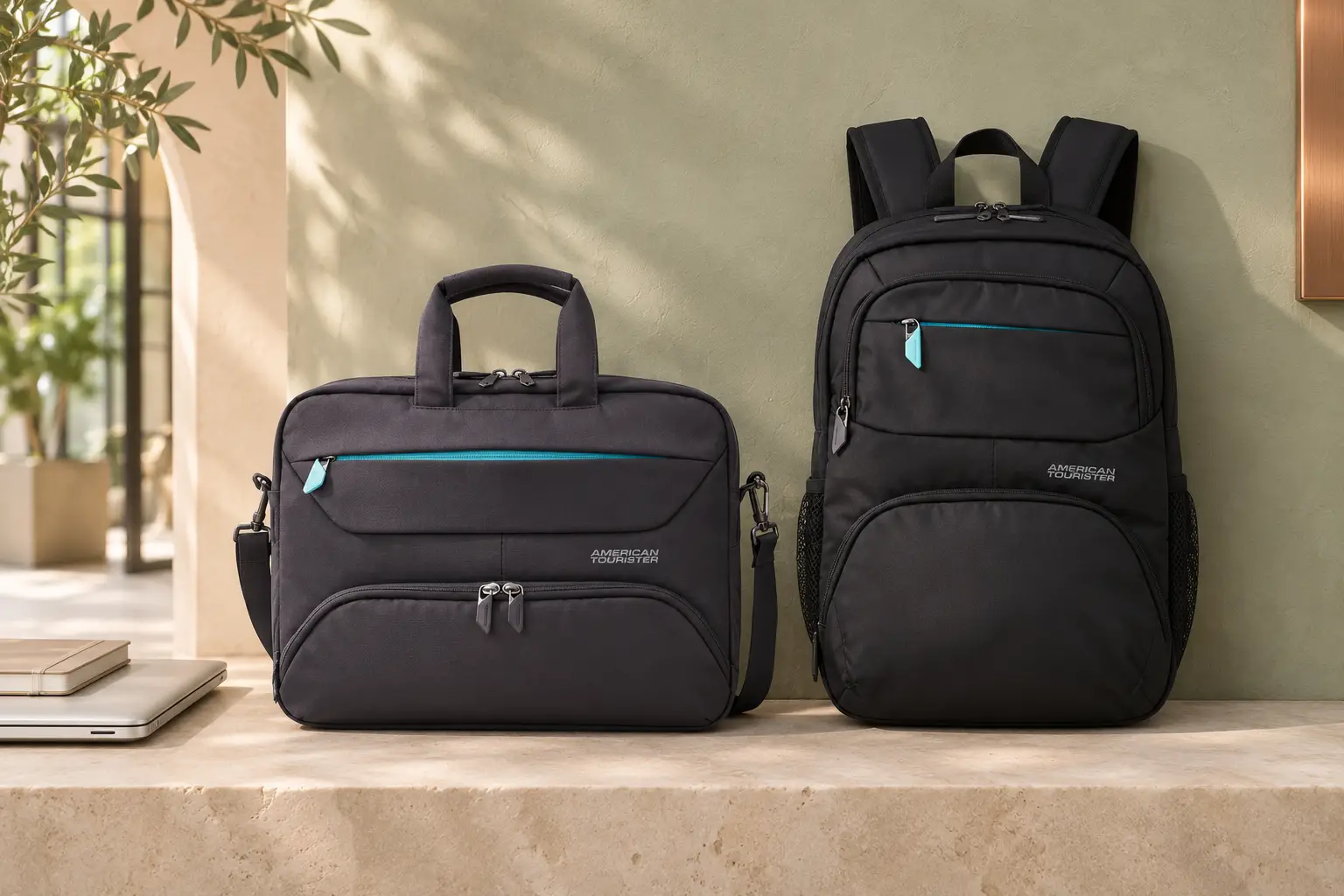
A laptop briefcase is worth considering when you carry a compact work kit, make short journeys on foot and prefer a bag you can keep beside you. A laptop backpack is a useful starting point when your commute involves more walking, you want both hands available or you carry several items beyond your computer.
Neither format wins every working day. A well-organised briefcase may suit you better than an oversized backpack, while a compact backpack may make more sense than a shoulder bag packed beyond its comfortable carrying load. Start with your route and belongings, then check the actual bag.
A laptop backpack is also a laptop bag; this guide compares carrying formats. A “laptop briefcase” is a business bag designed for a computer, usually carried by its handles or a supplied shoulder strap. A document attaché case is not automatically a laptop briefcase. The comparison below is based on published product information and practical buying considerations, not a new SHONATI comfort or protection test.
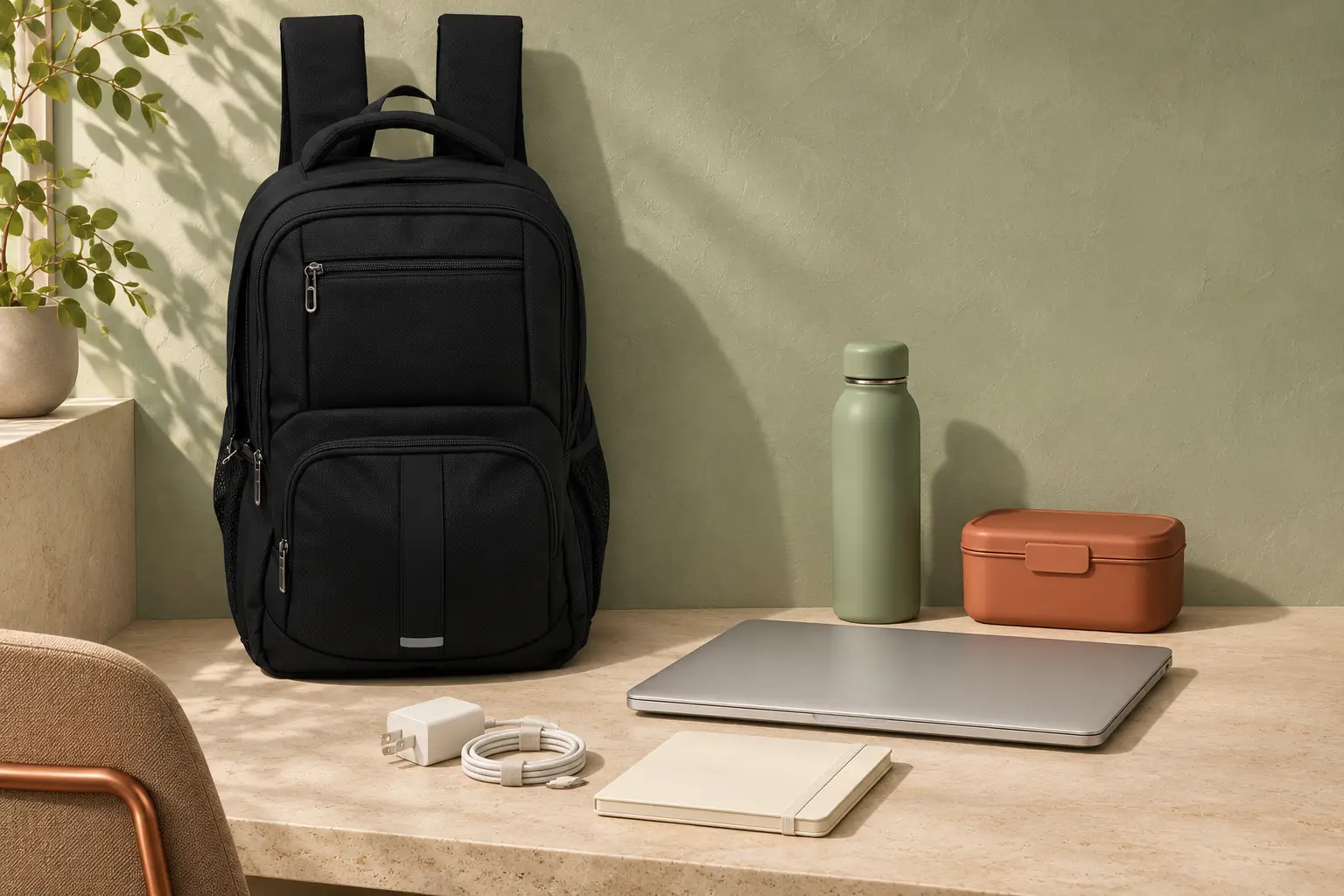
Lifestyle images are illustrative; see the linked product pages for the actual designs and colours.
Laptop briefcase vs backpack at a glance
These are starting points for choosing a format; individual designs vary.
On narrow screens, scroll horizontally to see the full comparison.
| Your priority | Laptop briefcase | Laptop backpack |
|---|---|---|
| Short walks between car and office | A compact bag may be enough for a small work kit | Still an option if you prefer backpack carrying |
| Walking and public transport | Check the loaded handle and shoulder strap, if supplied | Two-strap carrying leaves both hands available; check fit and bulk |
| Reaching documents or accessories | Check whether the pockets you need are accessible beside you | You may need to take it off to reach some compartments |
| Laptop plus lunch or extra equipment | Check depth and usable space beyond the laptop section | Compare the actual main compartment and separation of items |
| Keeping hands available | Possible with a suitable shoulder strap; hand carry occupies one hand | Normally possible when worn on both shoulders |
| Meetings and workplace appearance | Choose a finish and shape that suit your preference | A restrained design may suit the same workplace |
| Occasional travel | Look for a confirmed luggage attachment if needed | Look for the same feature; it is not standard on every backpack |
Start with how far you carry your bag
You drive to work and carry a small kit
If your regular load is a laptop, charger, notebook and a few accessories, a briefcase is a sensible format to try. You may prefer its horizontal layout when moving between a desk, meeting room and car.
Check the journey beyond the car park, though. A bag that feels manageable for a short hand carry may feel different when you add a long walk between buildings. If a shoulder strap is supplied, try it as well as the handles and check whether the bag stays in a position you find comfortable.
You walk, change transport or need both hands available
For a commute involving a walk to a bus or Metro stop, stairs and transfers, start by trying a backpack with both straps adjusted. Consider how it feels with your normal belongings rather than choosing it simply because it has padded straps.
Also check what happens when you take it off. Can you hold it by the top handle, keep it close in a crowded space and reach your travel essentials without opening the laptop section? A large main compartment is less useful if every small item falls to the bottom. Try sitting with the packed bag close by, keeping the pockets you need accessible.
You move between meetings or work locations
Think about what you remove repeatedly. If you need a notebook and a cable throughout the day, their pockets matter as much as the computer compartment. Try opening the bag beside a chair or on a desk without unpacking everything. Can you remove the laptop without moving your lunch, cables or notebook? Check this with the bag packed.
Appearance is a separate decision. A briefcase is not automatically more professional, and a backpack is not automatically too casual. Consider your workplace, clothing and preferred shape alongside carrying and organisation.

Pack for the whole day, not just the laptop
Lay out a normal day’s belongings before comparing bags. Include the charger, mouse, headset, notebook, access card and anything you bring for lunch or after work. Decide which items are daily essentials and which can stay at your desk.
A slim briefcase can be convenient when that list is short. Adding a bulky charger, lunch container and bottle changes the question: does the bag have usable depth after the laptop is inside, or will the other items press against the device and closure?
A backpack may offer a more suitable layout for those extras, but check the exact model. Not every backpack has a bottle pocket, a separate lunch area or enough room for a thick power adapter. Pocket count alone does not tell you whether your belongings fit.
If extras are occasional, compare a compact work bag plus a separate lunch bag with one larger bag. The second bag adds another item to manage; the larger bag occupies space even on lighter days. If you go straight to the gym, include shoes and a change of clothes in the trial pack and check how you will separate them from food and electronics.
Keep drinks securely closed and consider how they are separated from electronics. A bottle holder is an organisation feature, not a guarantee against leaks. Similarly, do not assume that polyester fabric or a padded compartment makes a bag waterproof or proves a particular level of impact protection.
Three SHONATI examples that show the difference
These examples illustrate formats and features, rather than rank every work bag. The models are not matched by price or capacity. Start with the layout you need, then compare individual models. The details below were checked on 4 November 2026. Follow each product link for the current listing and confirm the exact model before buying.
American Tourister Amber 15.6-inch Laptop Briefcase
The Amber 15.6-inch Laptop Briefcase, whose listing identifies the blue version with SKU 251-2501-003070-1, has published external dimensions of approximately 29 × 39 × 13 cm. Its listed features include a laptop compartment, an internal organiser, a quick-access pocket and an adjustable shoulder strap.
It is an example to inspect if you prefer a laptop-and-accessories bag carried beside you. Check your charger and documents alongside the device. Its external dimensions do not establish usable laptop-compartment space, and the 15.6-inch description is not a fit guarantee for every laptop with that screen size.
American Tourister Amber 15.6-inch Laptop Backpack
The Amber Laptop Backpack, SKU 251-2501-003071, is listed at approximately 45 × 31 × 18 cm and 0.8 kg. Its published features include an organiser, inner mesh pocket, bottle holder and Smart Sleeve for compatible rolling-luggage handles.
Those features make it a useful comparison if your day includes a drink bottle, several small accessories or a suitcase. Check whether your actual items fit the pockets and whether the attachment works with your luggage. A shared collection name does not mean the backpack and briefcase have the same internal layout.
PRESIDENT BPP6957/18 Laptop Backpack
The PRESIDENT BPP6957/18 is listed with a 600 g empty weight, adjustable padded shoulder straps and side mesh storage. It provides another backpack layout to compare with your daily kit.
The “18” in its model reference is not a usable laptop-compartment measurement. Check your device rather than treating the product name as a promise of fit.
If you have already decided on a backpack and want a wider model comparison, continue with our guide to laptop backpacks for work in the UAE.
Check laptop fit before deciding between the formats
As HP’s laptop-bag sizing guidance explains, screen size describes the display diagonal, not the complete laptop body. Two computers with the same screen label can differ in width, depth and thickness. A protective shell or sleeve changes the space required again.
For either format, compare the closed laptop’s full measurements with the usable computer compartment and its opening. Bag exterior dimensions are not a substitute. Check that the laptop slides in and the closure works without forcing it or pressing against the device. Inspect the padding, how the device is held and what separates it from the base. These checks do not establish a tested drop-protection rating.
When internal measurements are unavailable, check the physical pairing before buying. Our laptop backpack fit guide explains the measurement process and the scope of SHONATI’s previously recorded fit checks. A result for a named laptop and backpack does not automatically apply to another device, sleeve or briefcase.
Try the bag with a realistic load
Empty weight is only part of what you carry. The University of Melbourne’s laptop-handling guidance advises considering the computer, cables and other items together. Add your normal kit before deciding whether the bag suits you. A lower listed weight does not establish better comfort, and extra padding does not prove that a bag will suit every person.
For a briefcase, inspect the grip and try the shoulder strap if one is included. For a backpack, adjust both straps and check the loaded position. Walk, turn and take the bag off rather than judging it only while standing still.
Use this short check before making your choice:
- Fit the laptop as you normally carry it. Include its sleeve or protective case.
- Add the full daily kit. Check charger space, documents and any bulky items without forcing the zips.
- Try the carrying options. Adjust the supplied straps and handles with the bag loaded, wearing your usual work jacket or clothing. Consider how the straps and back panel sit against it; mesh alone does not guarantee a cool feel on a warm walk.
- Reach the essentials. Find your keys, access card and notebook without disturbing the computer.
- Check the next part of your day. Try placing the bag beside a chair or attaching it to your suitcase if that matters to you.
Two situations worth checking separately
What if I carry two laptops?
Check each computer and sleeve separately, then try the complete load together. A tablet pocket or a large main compartment is not confirmation of a second suitable laptop space. None of the three examples here should be assumed to carry two laptops without checking the exact model and devices.
Could a convertible briefcase and backpack work?
A convertible bag can be worth considering if you regularly switch between two-strap carrying and hand carry. Check that both modes are supplied, where unused straps are stored and how the laptop and small items sit when the bag changes orientation. A top handle alone does not make a backpack a convertible briefcase. This is another format to investigate, not a confirmed feature of the three models above.
Choose for your usual working day
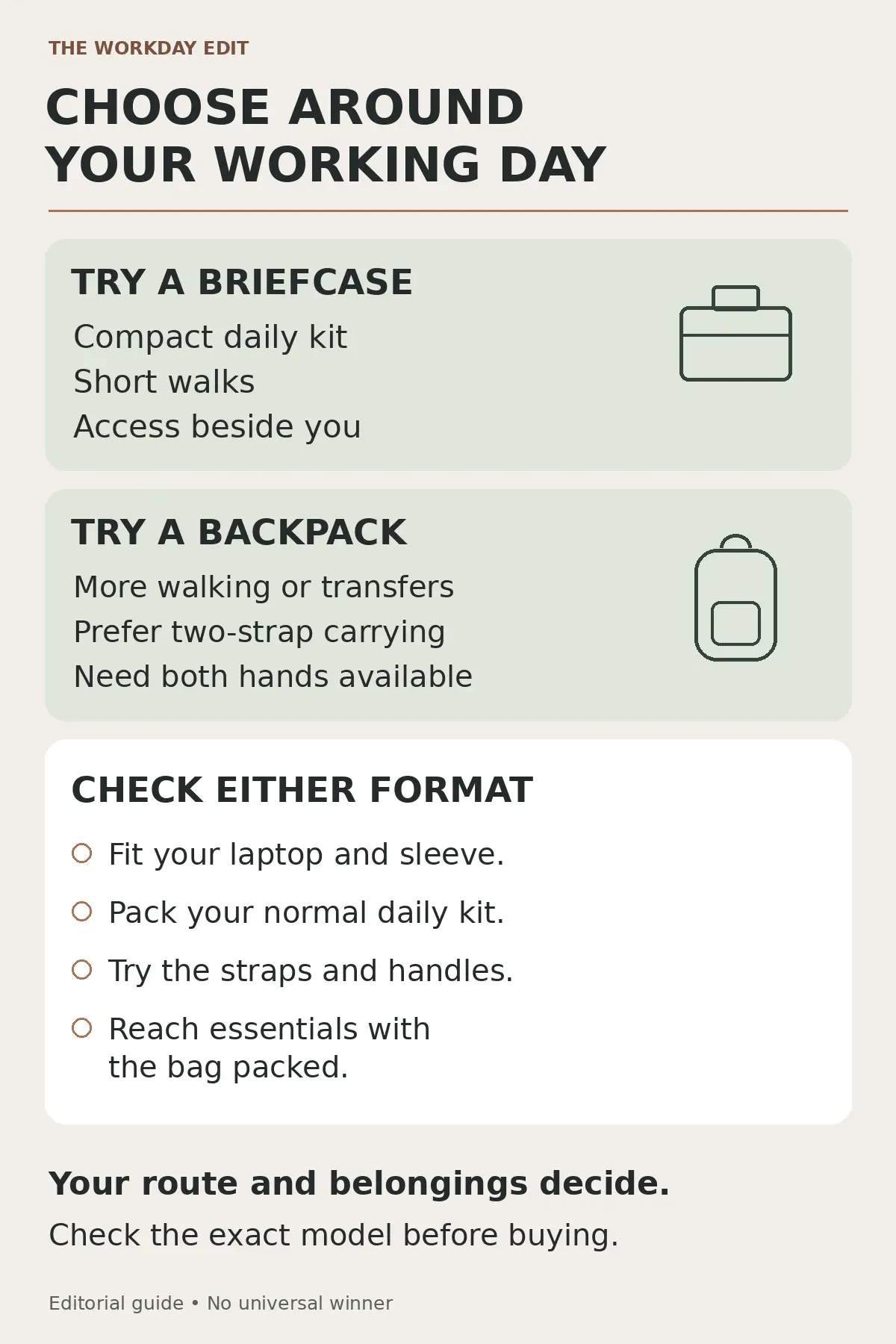
Shortlist a laptop briefcase when a compact kit, short hand-carry journeys and access beside you are your main priorities. Shortlist a backpack when you prefer two-strap carrying, need both hands available and want a layout that accommodates your daily extras.
If you occasionally travel for work, check the specific bag’s luggage attachment and your booking’s baggage rules separately. Neither “laptop bag” nor “backpack” guarantees airline acceptance.
Browse laptop bags and backpacks at SHONATI to choose a few candidates. For an in-person comparison, use the SHONATI store and contact details and ask the relevant team about the exact models before travelling. Bring your laptop, or its measurements including any sleeve, and confirm current availability and visiting arrangements.
How this guide was prepared: We reviewed the linked SHONATI product listings, related buying guides and external sizing and laptop-handling guidance on 4 November 2026. Product figures are published specifications; the recommendations interpret them for everyday use. No new hands-on fit, comfort, water-resistance or protection test was conducted for this comparison.